HACKING SCREEN.
HACKER TYPER
MODE: WORLD MAP
| | | 100%
LAT: 00.00° N | LON: 00.00° E
NODES: 191
ATTACK FEED:
[12:40:01] 185.220.101.4 (Frankfurt) ── DDoS SYN Flood 520 Gbps ──> 104.26.12.8 (San Francisco) | [12:40:03] 45.144.225.1 (Moscow) ── Zero-Day Exploit Payload ──> 172.67.18.2 (Tokyo) | [12:40:05] 103.28.53.1 (Singapore) ── BGP Route Hijack ──> 198.51.100.4 (London)
Link copied to clipboard!
Interactive Web Simulator

Fake Hacking | Fake Hacker Screen Simulator & Prank

Interactive fake hacking simulator. Generate a realistic fake hacking screen with Matrix rain, terminal code, cyber maps, and full-screen prank effects.

[01]

Fake Hacking Screen Prank

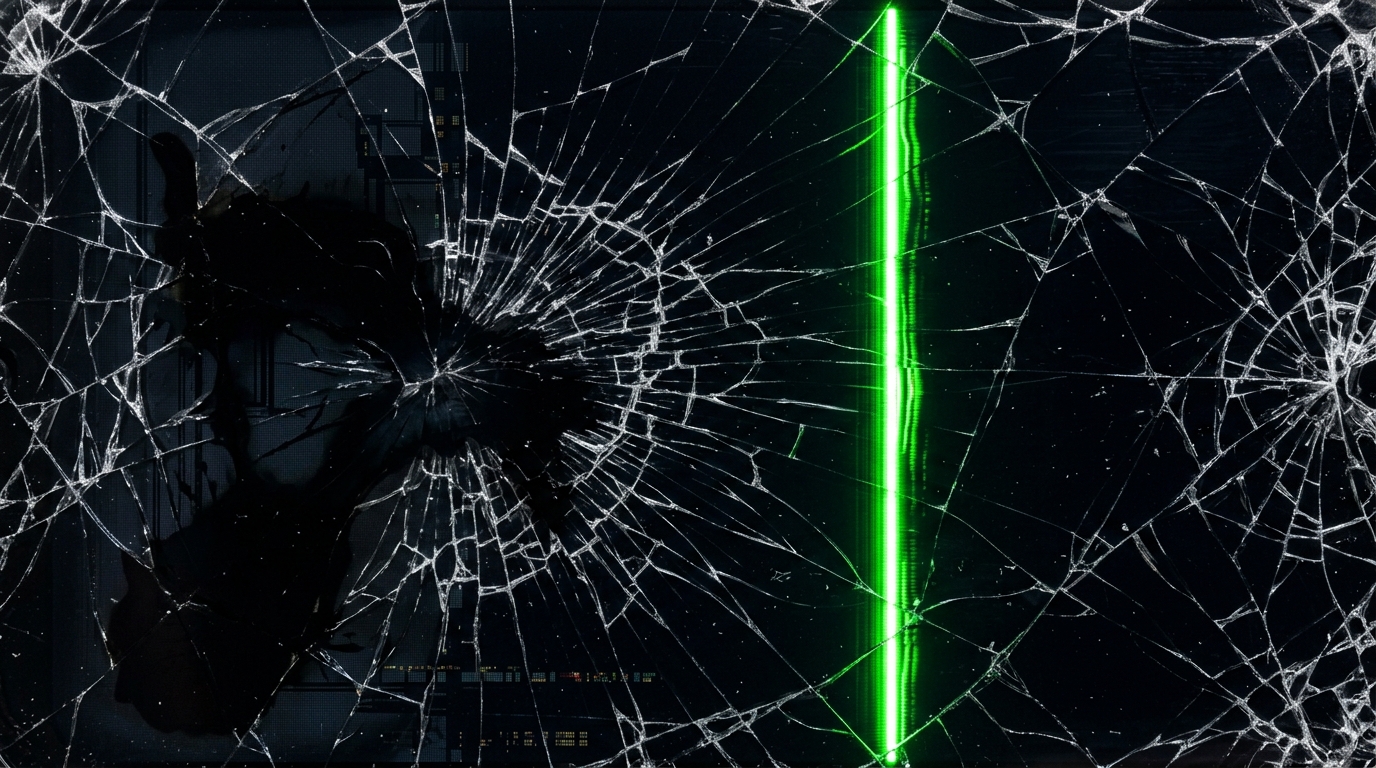
Need a lighthearted joke for coworkers? Set up this fake hacking screen prank on their unattended laptop. Choose between Virus Warning, Matrix Rain, Windows Update, BSOD, or Broken Screen.

[02]

10 Distinct Simulator Styles

Switch effortlessly between Matrix Rain, Binary Stream, System Boot Logs, Mainframe Access, Hex Dump, Radar Scanner, Virus Alert, Windows Update, BSOD, and Broken Glass Crack.

[03]

Interactive Sound Synthesizer

Includes Web Audio API retro sound triggers for keystroke clicks, alarm sirens, glass shattering, and atmospheric CRT screen hums.

[04]

Responsive 4K Wallpaper

Renders natively in high-resolution vector graphics. Perfect for dynamic screensavers, streaming backdrops, or developer workspace themes.

Complete Interactive Hacker Screen Simulator & Terminal Experience

Welcome to hackingscreenfake.com—the web's premier interactive fake hacking simulator, live cyber threat dashboard, and harmless tech prank toolkit. Designed for content creators, film and video production crews, cybersecurity educators, software developers, and casual pranksters, our free browser-based application turns any desktop monitor, laptop, tablet, or smartphone into a cinema-quality hacker terminal in seconds.

Whether you are looking for an authentic green Matrix digital rain cascade, a real-time global cyber attack threat map, high-speed Linux kernel boot logs, or an interactive hacker typer that produces genuine C/C++ code as you tap your keyboard, our online tool delivers an ultra-realistic cyber command center experience right inside your web browser.

[01] 11+ Dynamic Terminal Modes & Simulation Styles

Our online hacker tool offers a rich library of specialized simulation engines, each crafted with crisp vector graphics, dynamic real-time telemetry, customizable color palettes, CRT monitor scanlines, and authentic synthesized sound effects:

● World Cyber Attack Threat Map

An interactive global vector map visualizing simulated packet trajectories, DEFCON alert levels, inter-continental cyber attacks, and live server telemetry across 30 major worldwide nodes. Drag, zoom, and inspect server status indicators with real-time attack logs.

● Matrix Digital Rain Cascade →

The legendary green falling character stream inspired by sci-fi cinema classics. Adjust fall speed, character density, phosphorescent glow, and switch between multiple neon themes like Cyber Cyan, Amber Terminal, and Crimson Red in our Matrix rain simulator.

● Interactive Hacker Typer Terminal →

Type naturally on any keyboard in our hacker typer simulator to stream genuine C/C++ kernel algorithms, memory pointers, and shell scripts on screen, complete with authentic mechanical keyboard click acoustics and simulated access granted confirmations.

● System Boot Logs & Kernel Diagnostics →

Simulate high-velocity Linux kernel startup routines, hardware address mapping, automated vulnerability scans, and cryptographic checksum verifications with our system boot logs simulator.

● Mainframe Access Lock & Security Panels →

Interactive access simulation control panels featuring simulated password brute-force cracking, authorization status dialogues, and dramatic Access Granted or Access Denied warning overlays.

● Hex Memory Dump & Tactical Radar Sweeps →

Inspect high-speed raw hexadecimal byte registers in the hex dump mode alongside our tactical radar scanner tracking dynamic blips and target telemetry coordinates.

● Realistic Tech Prank Suites

Trigger simulated Windows Update prank loops with realistic progress bars, Blue Screen of Death (BSOD) stop error screens, Fake Virus alert warnings, and binary stream data for harmless fun.

● Broken Screen & Malfunction Overlays →

Photo-realistic broken screen prank overlays, OLED liquid leak bleeding, CRT breakdown scanlines, and RGB glitch shaders adaptable to desktop and mobile screens.

[02] Why Millions Choose Our Hacker Simulator

Unlike static video recordings or heavy downloadable software, hackingscreenfake.com is a lightweight, responsive web application engineered for instant execution and maximum realism:

  • Full Screen Immersion: Hide all browser chrome, navigation bars, and bookmarks with one click or by pressing F11 for an authentic full-screen hacker terminal.
  • Synthesized Audio Engine: Built-in Web Audio API sound generator delivering retro CRT monitor hums, tactile keyboard clicks, alarm sirens, and sonar radar pings.
  • Fully Customizable Aesthetics: Switch seamlessly between Matrix Green, Cyber Cyan, Amber Terminal, Crimson Alert, and Vaporwave Purple color schemes.
  • Draggable Multi-Window Layout: Arrange, resize, and stack simulated terminal windows to construct your personalized command center interface.
  • Cross-Platform & Mobile Optimized: Seamlessly responsive on Windows PC, Mac, Chromebook, Linux, iPhone, iPad, and Android devices.

[03] Popular Use Cases & Practical Applications

Film, TV & Stream Backdrops

A clean, royalty-free prop for YouTube tech channels, Twitch stream background setups, indie movie production, and creative music videos requiring authentic cybersecurity visuals.

Harmless Office & School Pranks

Set your friend's or coworker's computer to a mock Windows Update, BSOD crash, or fake virus alarm screen when they step away for an innocent, harmless laugh.

Developer Ambient Screensaver

Display dynamic cyber telemetry on secondary 4K monitors as an atmospheric coding wallpaper while programming, studying, or working remotely.

[04] How to Use the Fake Hacking Screen

  1. Select Your Console Style: Use the top navigation bar or floating dock to choose from 11+ simulation modes, including World Map, Matrix Rain, Hacker Typer, or Prank screens.
  2. Toggle Fullscreen View: Click the floating FULLSCREEN button or press F11 to remove all browser borders.
  3. Interact with Keyboard & Mouse: Type any keys on your keyboard to generate authentic code streams, or drag console windows around your workspace.
  4. Exit Anytime: Press Esc or click the exit button to return to standard browsing immediately.

100% Safe, Private & Browser-Based

This fake hacking simulator is entirely client-side, running directly inside your browser via standard HTML5, CSS3, and JavaScript. It does not download external files, access private network ports, install background trackers, or execute real command-line scripts. All visual effects and sound synthesis occur locally on your machine, ensuring total security and privacy for entertainment, educational demonstrations, and design staging.

Frequently Asked Questions

How to get the hacking screen online?

To get a fake hacking screen online, simply visit a free online hacker simulator like hackingscreenfake.com in any web browser. You can instantly choose between styles like Matrix digital rain, binary stream, or system boot logs to open a realistic hacking screen.

How to pull up the hacking screen on your device?

Open your browser, navigate to this simulator website, and click the floating 'FULLSCREEN' button or press F11 on your keyboard. This will pull up the hacker code and terminal console interface in full screen, hiding your browser's address bar.

How to get a hacking screen on a Chromebook?

On a Chromebook, open the Chrome browser, visit this fake hacking website prank, and press the fullscreen key (the icon with an open rectangle on the top row of your Chromebook keyboard) to make your screen look like you are a real hacker typing code.

How to get a hacking screen?

To get a hacking screen on any computer or phone, simply go to hackingscreenfake.com, select your preferred console mode (such as Hex Dump or Matrix Rain), and toggle fullscreen for an authentic hacker aesthetic.

How to make your screen look like you are hacking?

Use an interactive hacker typer terminal. By selecting styles like hex memory dump, radar scanners, or system boot sequences, and using sound effects like CRT hums and mechanical typing sounds, you can make your monitor look like a realistic mainframe screen.

How to open hacking screen?

Simply type hackingscreenfake.com in your web browser. Press Enter, and the interactive hacking simulator interface will open immediately, ready for customization.

How to get a fake hacking screen online for free?

You can get a fake hacking screen online for free by visiting hackingscreenfake.com. It functions as a Free online hacker tool and interactive console that runs entirely in your web browser without downloading any software.

What is a fake hacking screen?

A fake hacking screen is a simulated computer console displaying scrolling green code, memory registers, and binary streams. This interactive Hacker website is perfect as a prank website, developer screensaver, stream background, or retro-style movie terminal decoration.

How do I make a realistic fake hacking screen?

To make it realistic, use an interactive simulator that renders vector graphics at 4K resolution, features real keyboard typing click sounds (a hacker typer), supports glow grid adjustments, and allows triggering simulated 'Access Granted' or 'Access Denied' screens.

What are the best websites for fake hacking screens and terminals?

hackingscreenfake.com is one of the best interactive platforms. It serves as a Real Hacker Typer, free online hacker simulator, and hacking game interface, providing customizable accent colors and synthesized retro sound effects.

Is this hacking screen safe to use?

Yes, 100% safe. This is a visual simulation running entirely client-side in the web browser. It does not perform actual hacking, execute server-side command scripts, or access network ports. It is designed for entertainment and pranks.

Can I use this as a hacking screen wallpaper?

Yes! You can load this page on a secondary monitor, click fullscreen, and keep it running as a dynamic, interactive developer wallpaper. It works beautifully on high-resolution monitors up to 4K.

How do I exit the fullscreen view?

To exit the fullscreen terminal simulator, simply click the floating 'EXIT FULLSCREEN' button in the bottom right, or press the Esc key on your keyboard.

Why use a simulator instead of a fake hacking screen video?

Unlike a native Hacker typer app or video loop, this browser-based simulator renders vector graphics in real-time, has no file size to download, works offline once loaded, and dynamically adjusts to your screen size.