How do I do the broken screen prank without downloading an app?
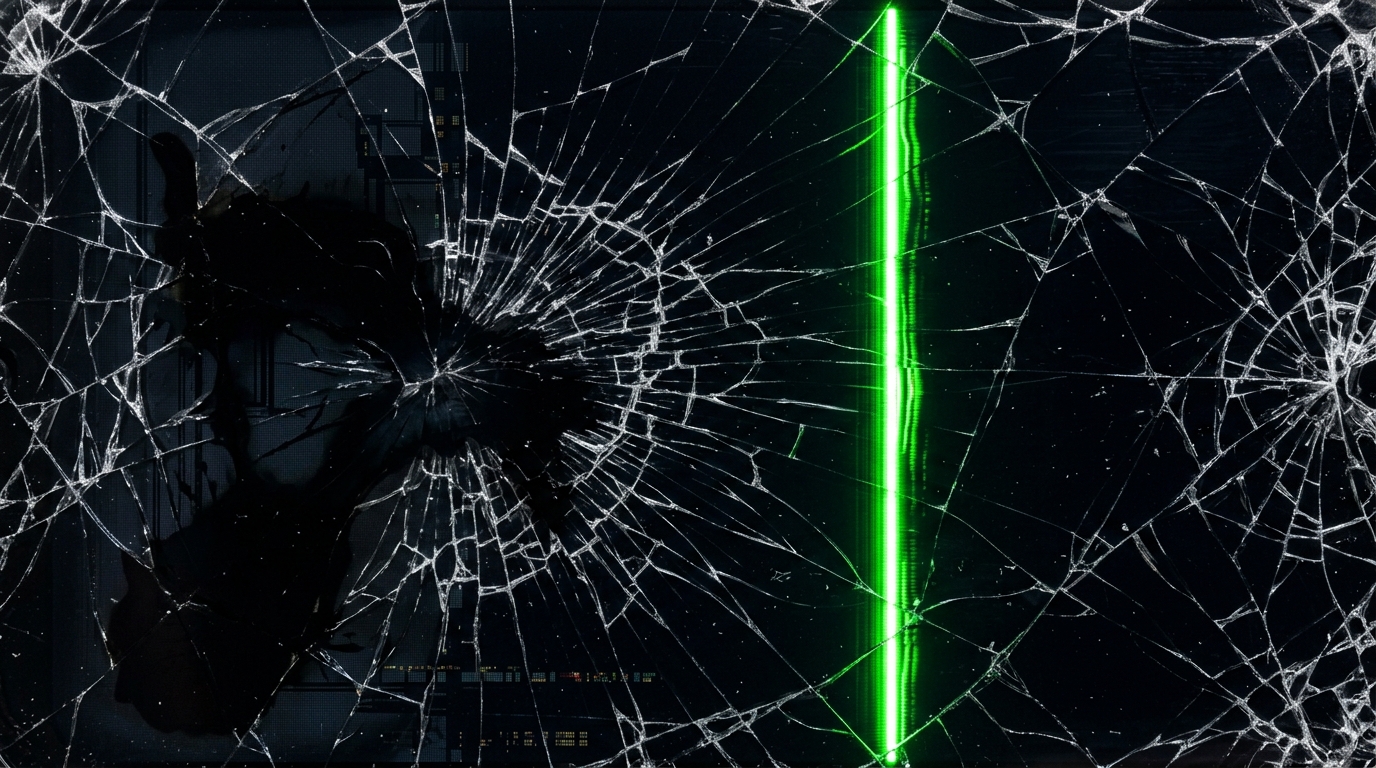
You can pull off a harmless broken screen prank directly through your web browser on hackingscreenfake.com without downloading any sketchy APKs or apps. Simply navigate to the Broken Screen mode, choose your favorite cracked glass pattern (such as heavy shatter, radial fracture, or dead pixel lines), and press F11 or tap the floating FULLSCREEN button. The high-resolution 4K broken glass overlay instantly covers the entire screen and responds to screen taps or clicks with realistic shatter sounds.
Is the "Broken Screen" app safe for my phone?
Third-party "Broken Screen" apps downloaded from untrusted app stores can sometimes contain intrusive adware, excessive permissions requests, or battery-draining background processes. In contrast, using an in-browser broken screen simulator like hackingscreenfake.com is 100% safe. It runs purely client-side via standard HTML5 Canvas and CSS, requires zero downloads or permissions, does not access device storage, and leaves no residual files.
How to fake a smashed TV screen using a USB?
To simulate a smashed or cracked TV screen using a USB drive, download a high-definition (4K or 1080p) broken screen wallpaper or looping cracked screen video onto your USB flash drive. Plug the USB into your Smart TV's media port, open the TV's media player app, select the cracked screen image or video, and set it to full-screen loop mode. Alternatively, open the TV's built-in web browser, navigate to hackingscreenfake.com/broken-screen/, and toggle full-screen mode for an instant smashed TV effect.
Why is my broken screen effect not working?
If the broken screen effect isn't displaying properly, check these common causes: 1) Ensure you have activated full-screen mode (press F11 or tap FULLSCREEN) so browser address bars and system tabs are hidden; 2) Confirm JavaScript is enabled in your browser settings; 3) Unmute your browser tab if you want audio crack sounds; 4) If using a touchscreen device, tap firmly on the display to trigger interactive fracture points; 5) Refresh your browser cache if the graphic assets didn't load completely.
What is the most realistic cracked screen wallpaper for iPhone?
The most realistic cracked screen wallpapers for iPhone feature high-contrast radial impact fractures, spiderweb glass splinters, and simulated RGB OLED color banding lines tailored to Retina display pixel densities. For the ultimate realism, use our interactive broken screen simulator in Safari, tap the Share button, select "Add to Home Screen" or open in fullscreen, and choose the OLED glass shatter theme that matches your iPhone's screen dimensions.
Can I cast a broken screen video to my TV?
Yes, you can easily cast a broken screen simulation or video to your Smart TV using Google Chromecast, Apple AirPlay, or Miracast screen mirroring. Simply launch hackingscreenfake.com/broken-screen/ in Google Chrome on your PC or smartphone, tap the Cast icon or AirPlay menu, and mirror your screen to the TV. Enable full-screen mode for a convincing smashed big-screen TV prank.
How to remove the broken screen prank app?
If you used an online browser simulator like hackingscreenfake.com, simply press the Esc key on your keyboard, swipe down from the top of your mobile screen, or close the browser tab to remove the effect immediately. If you previously installed a third-party broken screen mobile app from an app store, go to your phone's Settings > Apps > Manage Apps, locate the broken screen application, tap "Force Stop", and then tap "Uninstall".
Does the cracked screen effect work on lock screens?
While web-based simulators run inside the active browser window after unlocking, you can easily create a cracked lock screen by taking a full-screen screenshot of our 4K broken glass effect. Save the screenshot to your photo gallery, open your device's wallpaper settings, and set the cracked glass image as your designated Lock Screen wallpaper with perspective zoom enabled for maximum authenticity.